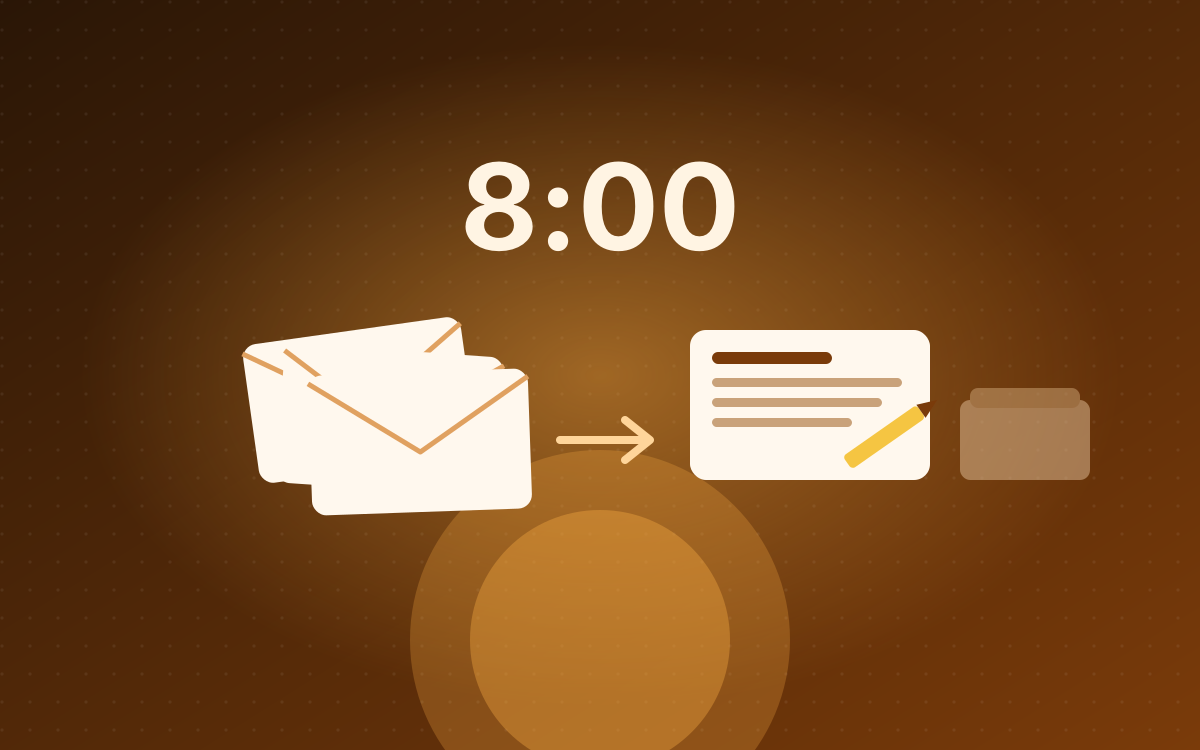
Morning Mail Triage
Every morning at 8am, my official inbox is read, circulars are set aside, and reply drafts are waiting for me, with a one-message summary on my phone.
The problem: my official mailbox fills up overnight with a mix of circulars, agency updates and messages that need a reply. Sorting it was the first half hour of every day. On top of that, I work across three mailboxes (one official, two personal), and most assistants can only connect to one Google account at a time.
What it does: at 8am every day, before I open my laptop:
- It reads everything that arrived in the official inbox since 5pm the day before.
- It sets aside circulars and newsletters (anything with an unsubscribe link), so only real messages are left.
- For each message that needs a reply, it writes a draft in the right language: Malay mail gets a Malay reply, English gets English.
- The drafts are saved in the mailbox, ready for me to check and send.
- One Telegram message tells me what came in and which drafts are waiting.
How it works: a small Python tool talks to the Gmail API and can read any of my three mailboxes, each with its own sign-in. A Windows scheduled task runs a script at 8am (or as soon as the PC wakes, if it was asleep). The script picks out the real messages and hands them to Claude, which writes the drafts and the summary. The script then saves the drafts and sends the Telegram message.
Guardrails: it cannot send email. The tool has no send command at all, by design, so the worst it can do is write a draft I don’t like. Claude gets the message text and nothing else: no tools, no files, no internet.
First run: 11 messages came in overnight. 5 were circulars and were set aside, 6 were read, and 3 needed replies, so 3 drafts were written.
Make your own
My version runs on my PC because it reads three mailboxes. For one Gmail inbox, there’s a much simpler way that runs in the cloud. You need a paid Claude plan (Pro or Max). No code, nothing to install.
1. Fill in the boxes and copy the instructions.
2. Connect Gmail to Claude (once). Open claude.ai/customize/connectors, find Gmail, click Connect, and sign in with the inbox you want sorted.
3. Create the routine. Open claude.ai/code/routines and click New routine. Then:
- Name: anything, e.g. “Morning Mail”.
- Instructions: paste what you copied in step 1.
- Repositories: skip. It doesn’t need one.
- Select a trigger: choose Schedule, then Weekdays, and pick a time a few minutes past the hour (e.g. 7:55).
- Connectors (bottom of the form): keep Gmail, and remove the rest.
Click Create, then open the routine and click Run now to try it. When it finishes, open Gmail’s Drafts folder: the replies are waiting there for you to check and send.
The difference from my version: the instructions tell Claude never to send, but Claude’s Gmail connection can send mail if it chooses to. My PC version simply has no way to send. Read the first few runs, and if a draft is wrong, add a line to the instructions saying what to do instead.